AI Session
Introduction
An AI session is used to store the conversation history between the user and the AI at runtime. It also includes a core instruction that provides background information to the AI.
Session Management
Open the Behaviour tab and click the Poe icon.
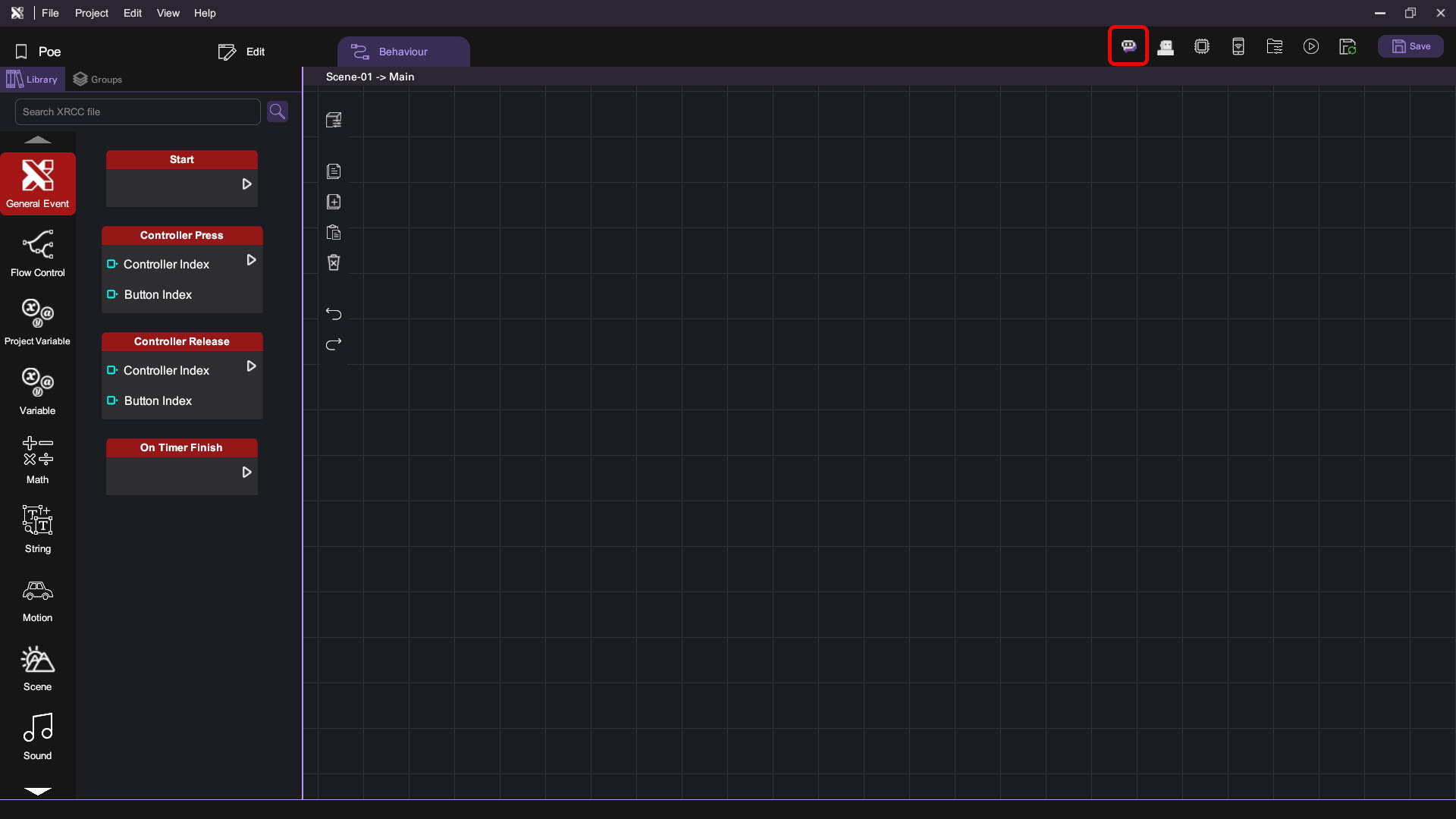
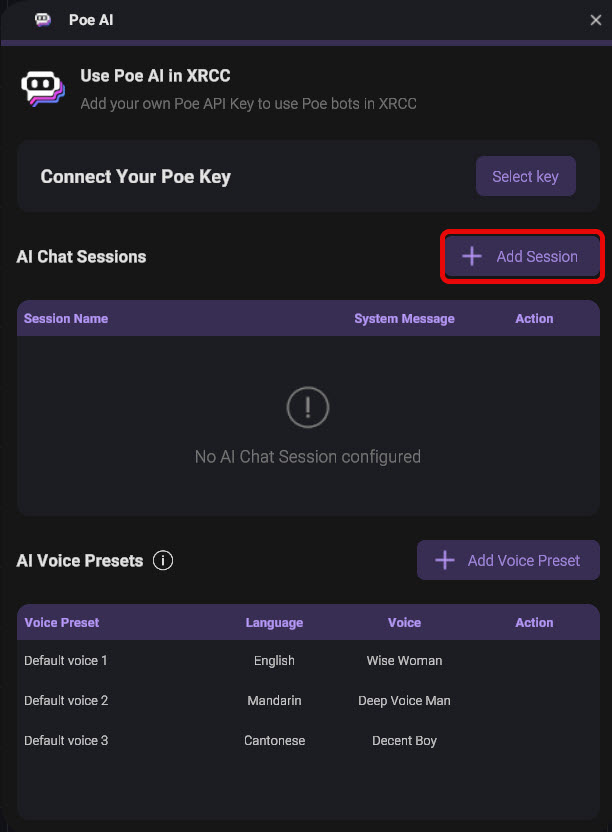
Click the Add Session button.
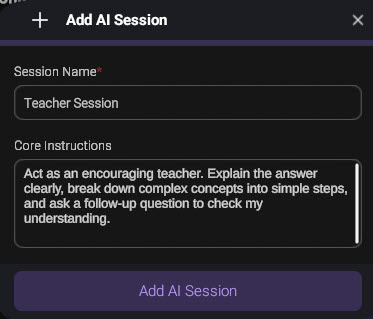
Enter the session name and the core instruction, then click the Add AI Session button.
The core instruction will be sent to Poe to generate responses when interacting with the character.
You can edit the session by clicking the Update button.
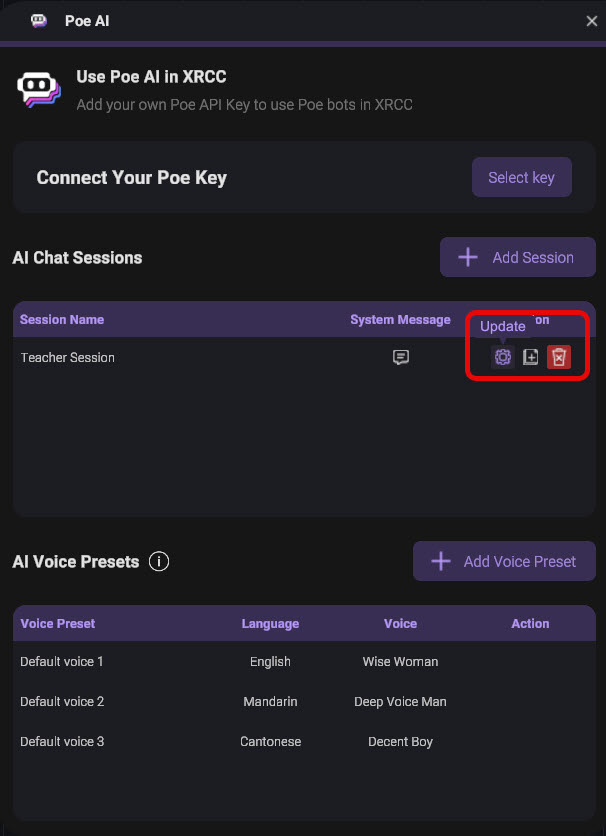
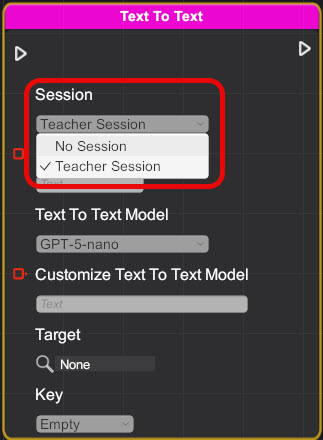
You can now select the session in Poe behaviour blocks, such as text-to-text and voice chat.