Installation
Follow the following simple steps to install XRCC Launcher:
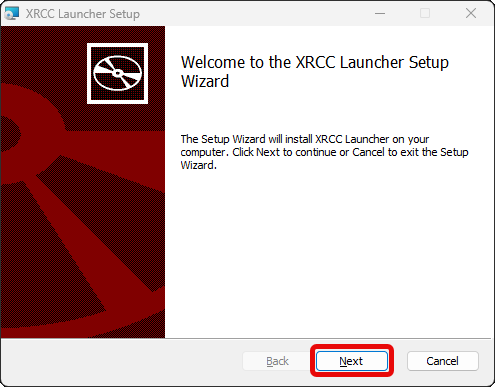
- Double click the XRCCLauncherInstaller.msi file to launch the installer and press "Next".
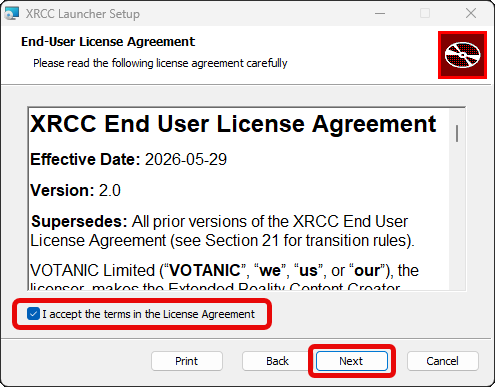
- Read and accept the XRCC End User License Agreement and click "Next". You must accept the XRCC End User License Agreement to progress the installation.
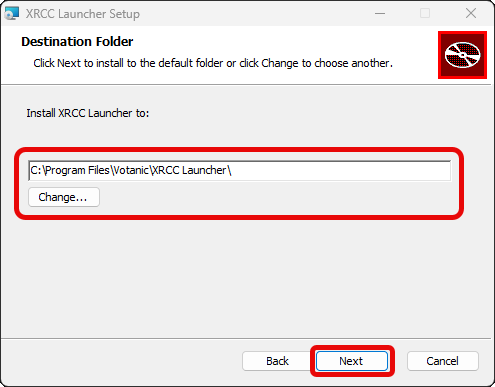
- Select the folder to install XRCC Launcher and click "Next". By default, the XRCC Launcher will be installed to C:\Program Files\Votanic\XRCC Launcher\ . If you would like to install it elsewhere, please change it at this step.
note
XRCC Launcher will use this path in some features of the software, make sure you do not move the folder after the installation process.
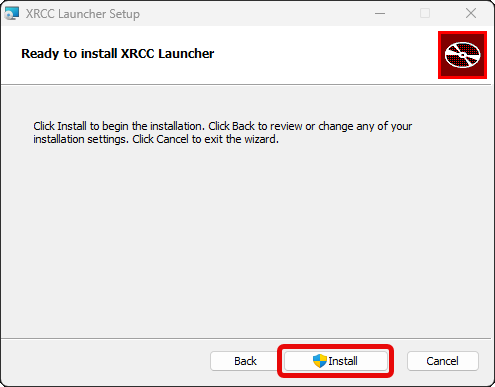
- Click "Install" to start the installation.
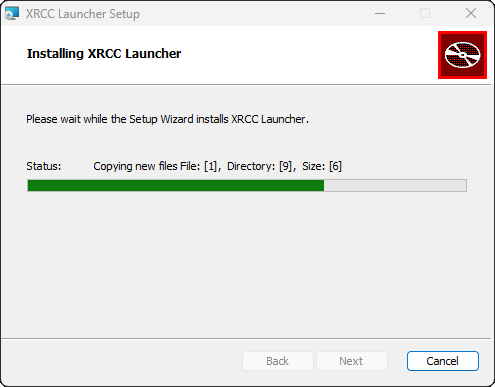
- Wait for the installation process to complete.
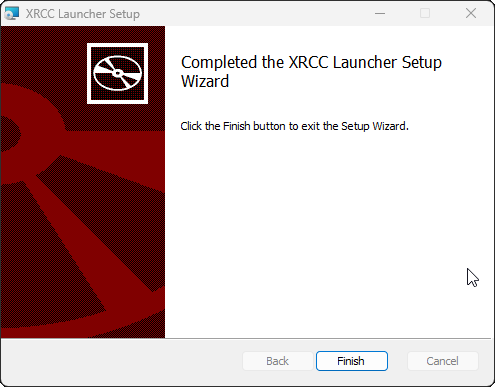
- Click "Finish" to finish the installation.