Video
note
Video Blocks are available for 2D and 3D Video object types only.
| Block Name | Block | Description |
|---|---|---|
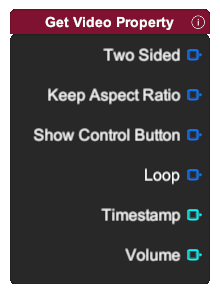 | Output different video property.
note Two sided, keep aspect ratio and show control button only exist for 2D Video object type. | |
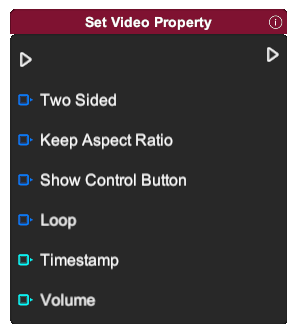 | Set different video property.
note Two sided, keep aspect ratio and show control button only exist for 2D Video object type. | |
 | Start playing the video assets. | |
 | Pause the video asset played. | |
 | Stop the video asset playing and reset video to first frame. | |
 | Skip the video asset forward by one tenth (1/10) of the video's total duration. | |
 | Skip the video asset backward by one tenth (1/10) of the video's total duration. | |
 | Output is the video playing or not. | |
 | Output the length of the video. | |
 | Output the length of the video asset.
|